Image stacking
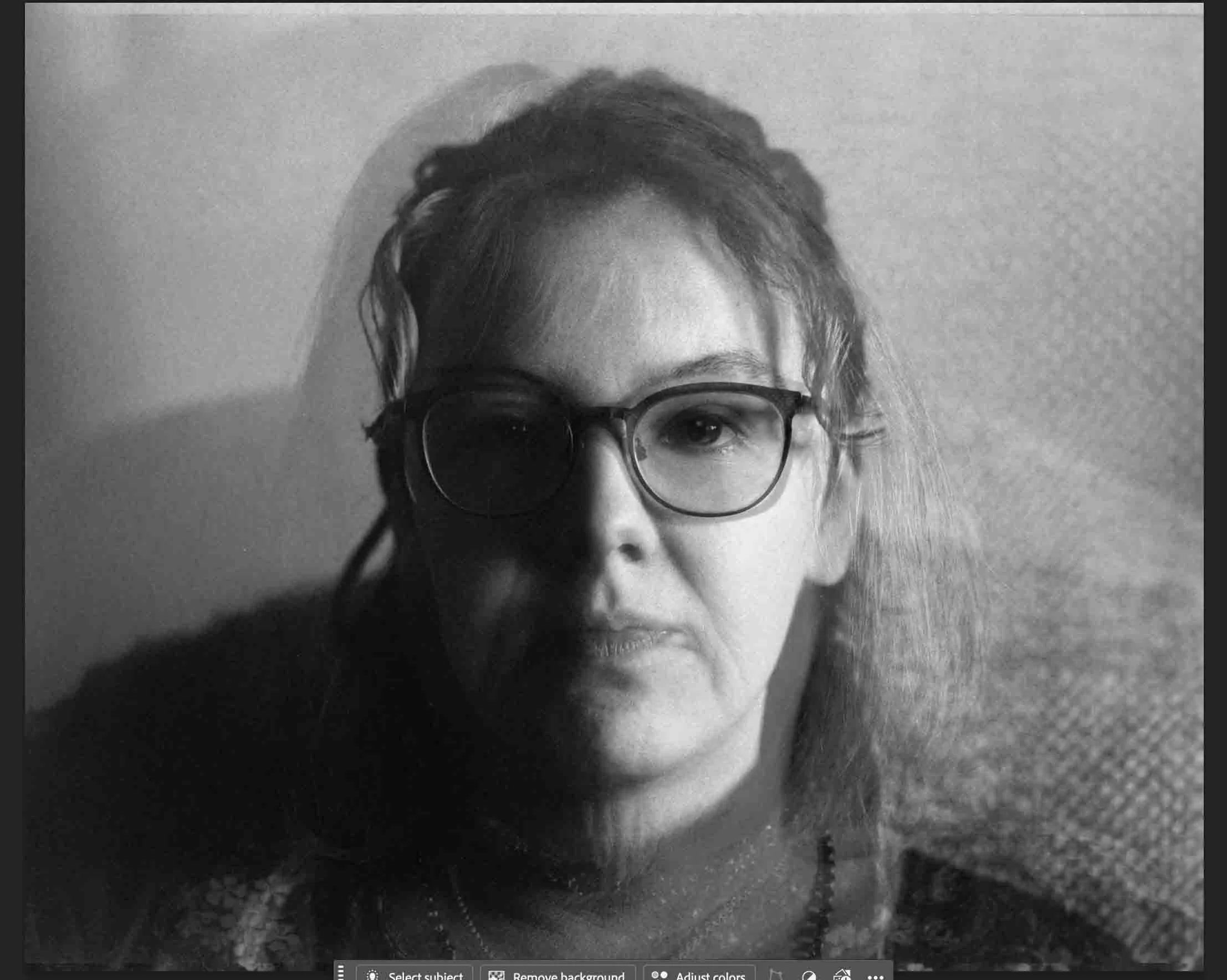
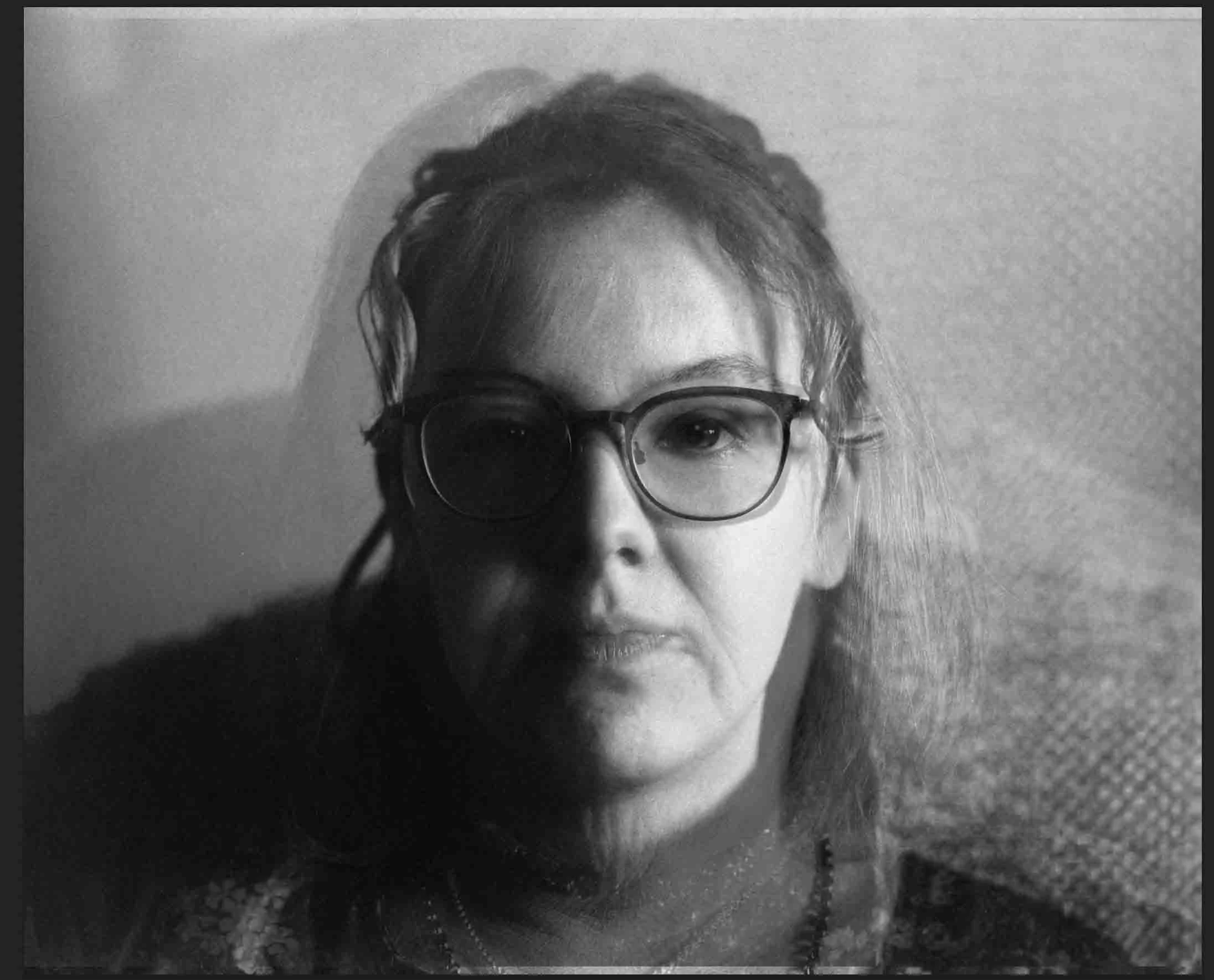
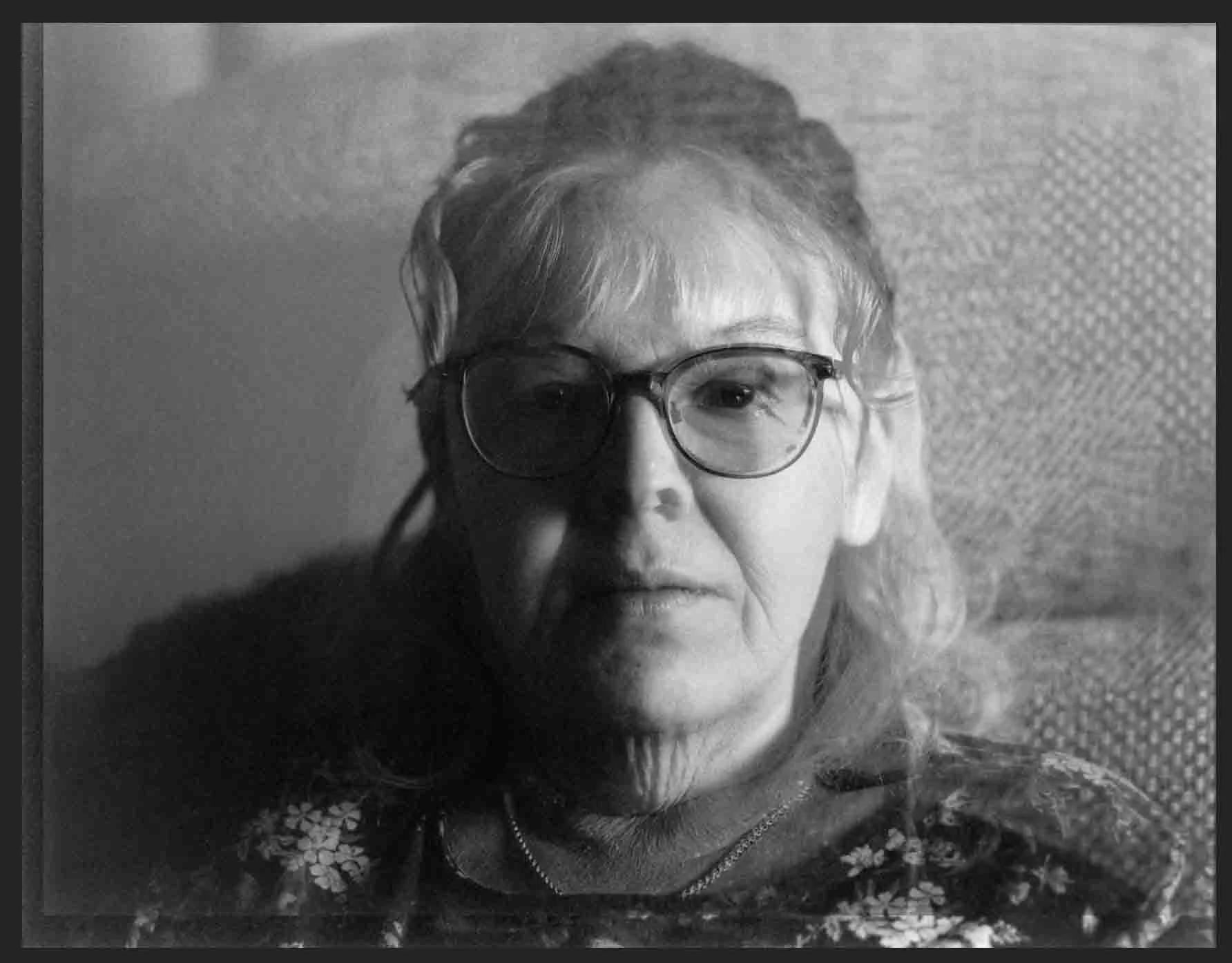
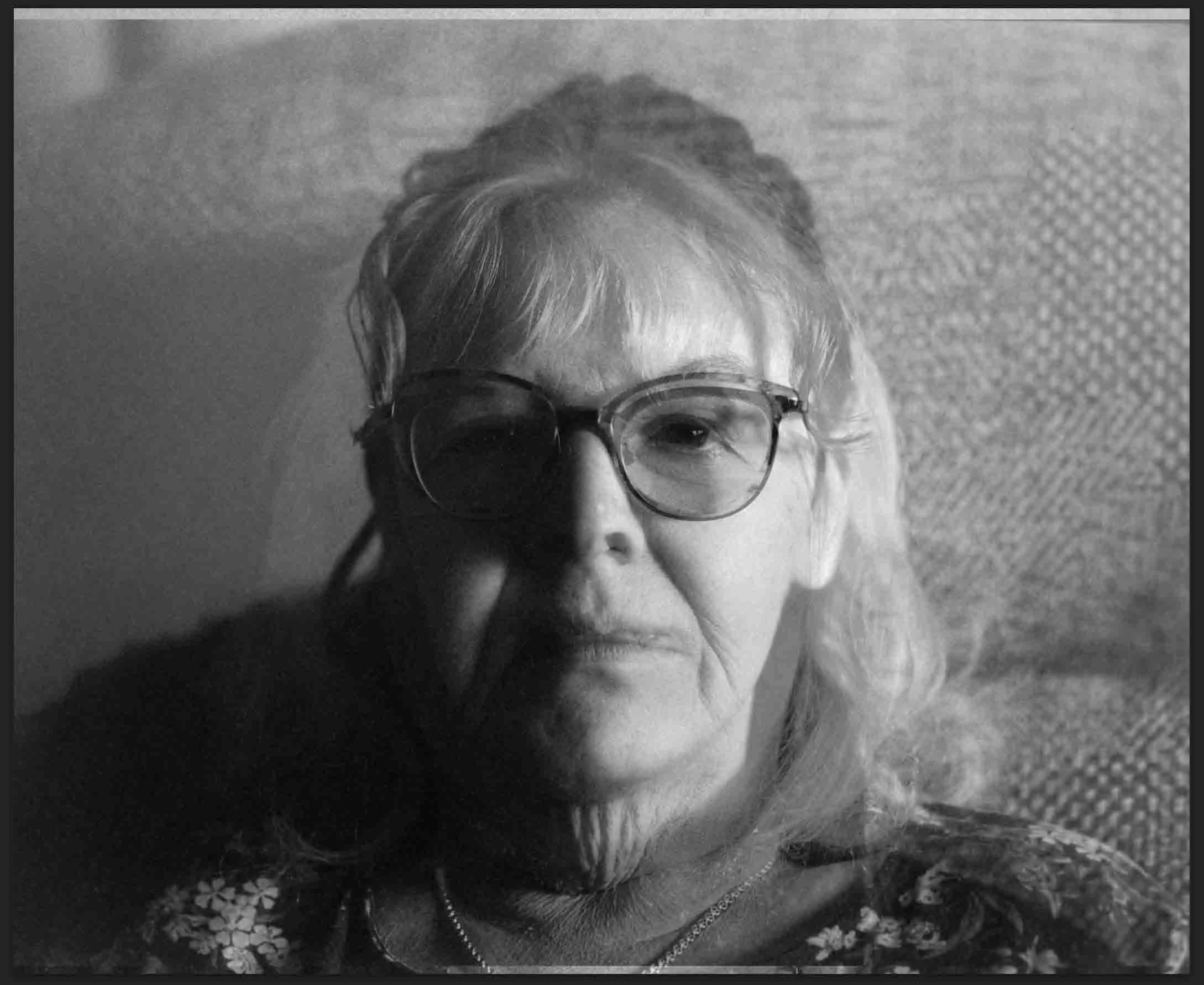
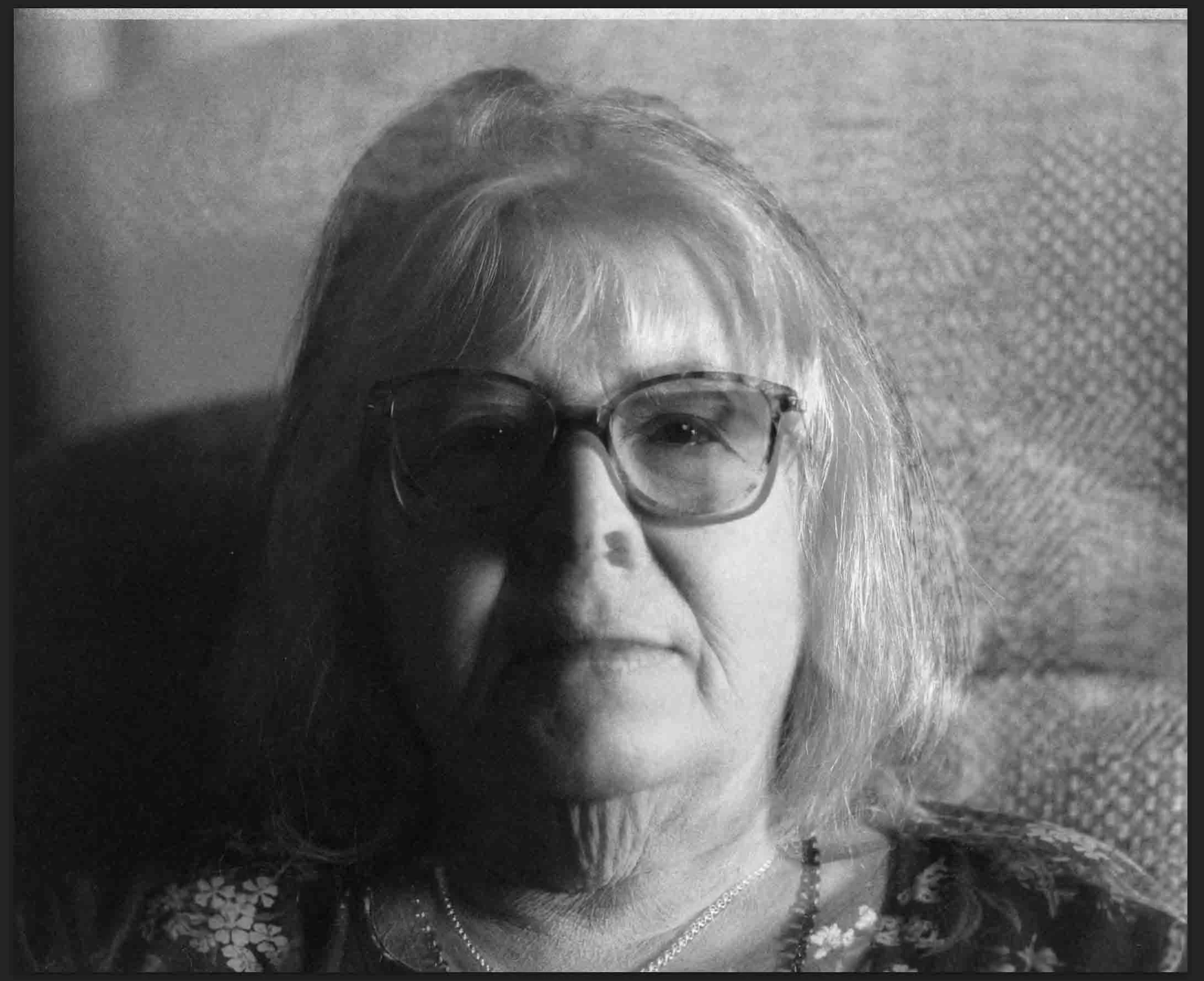
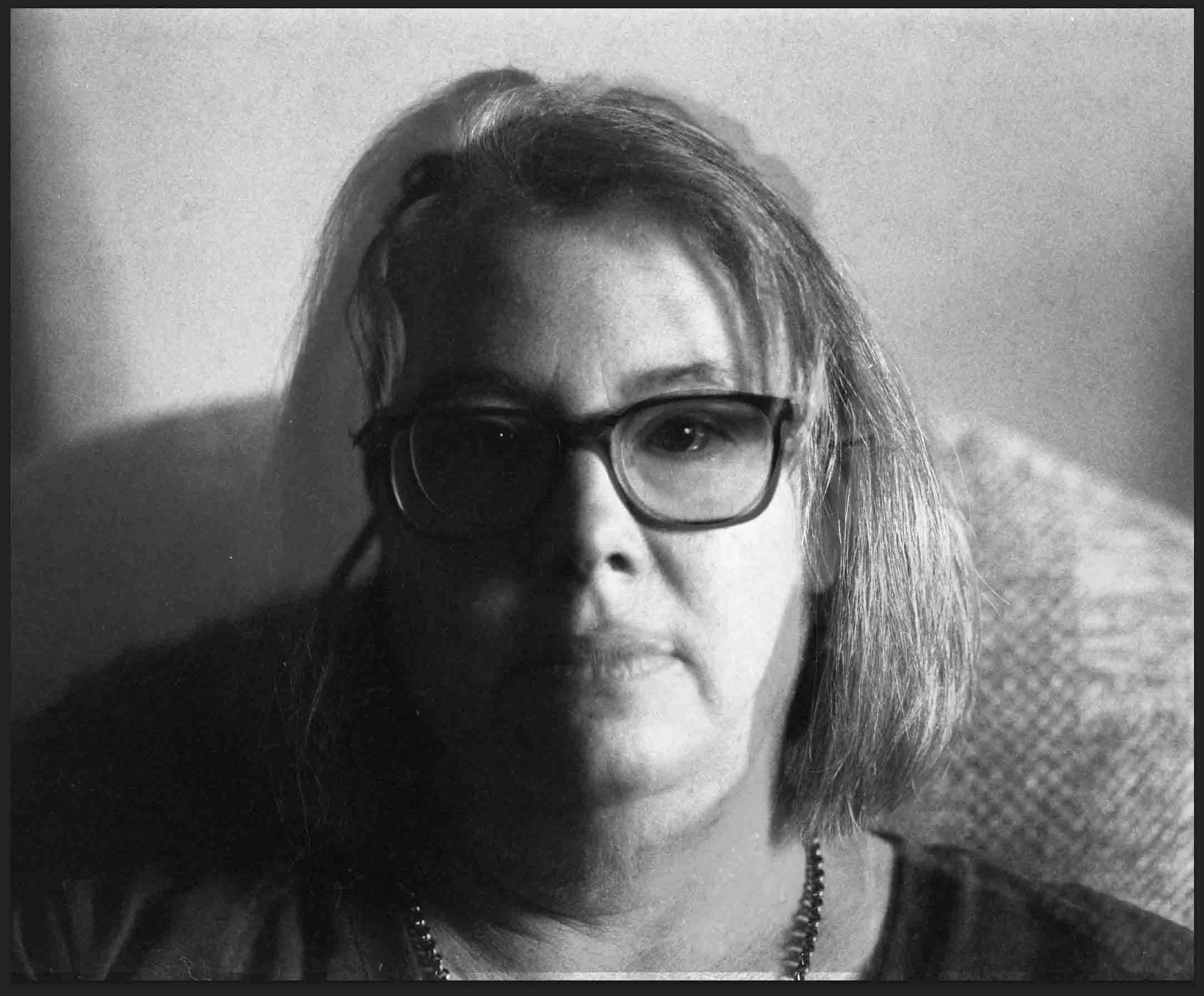
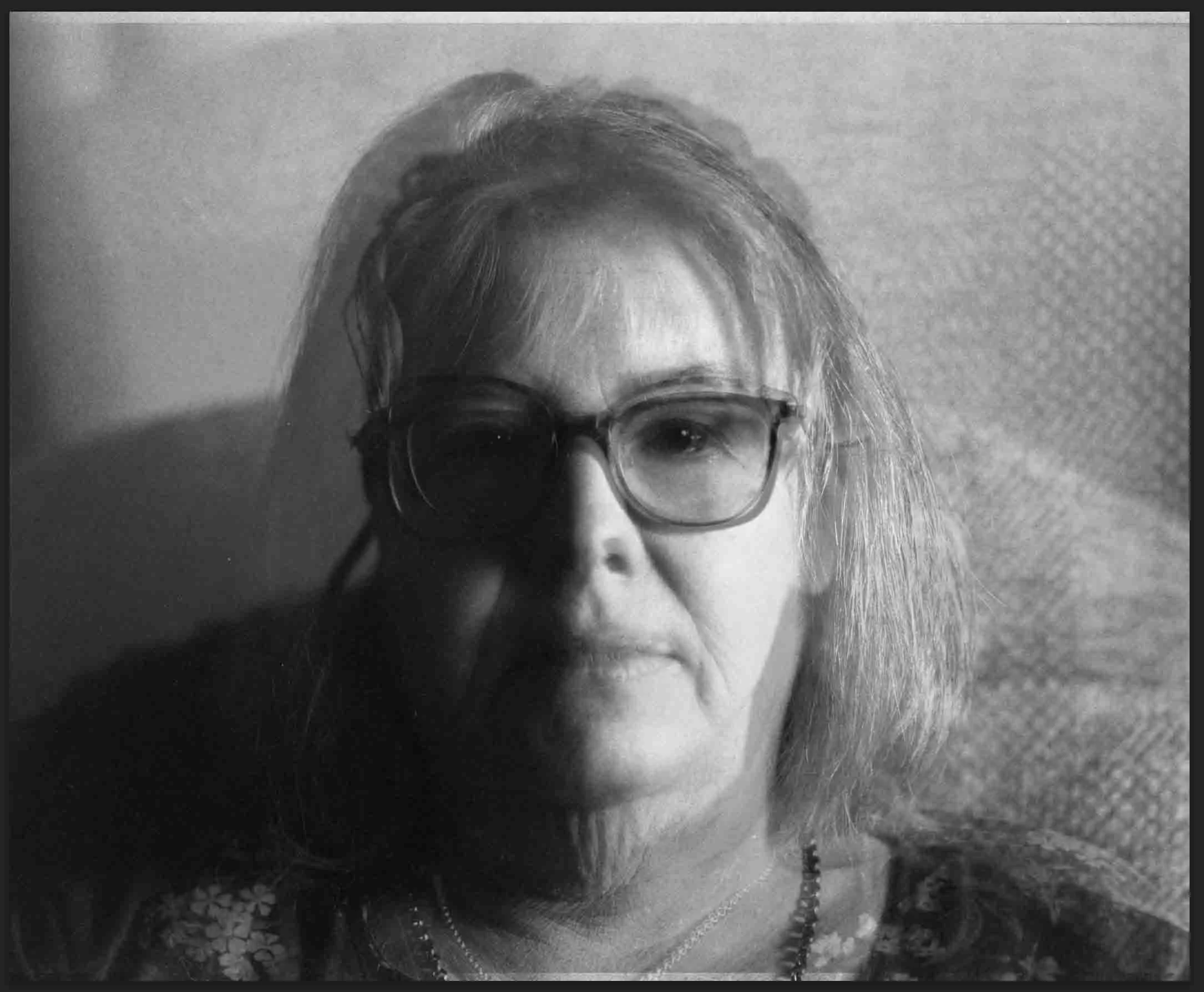
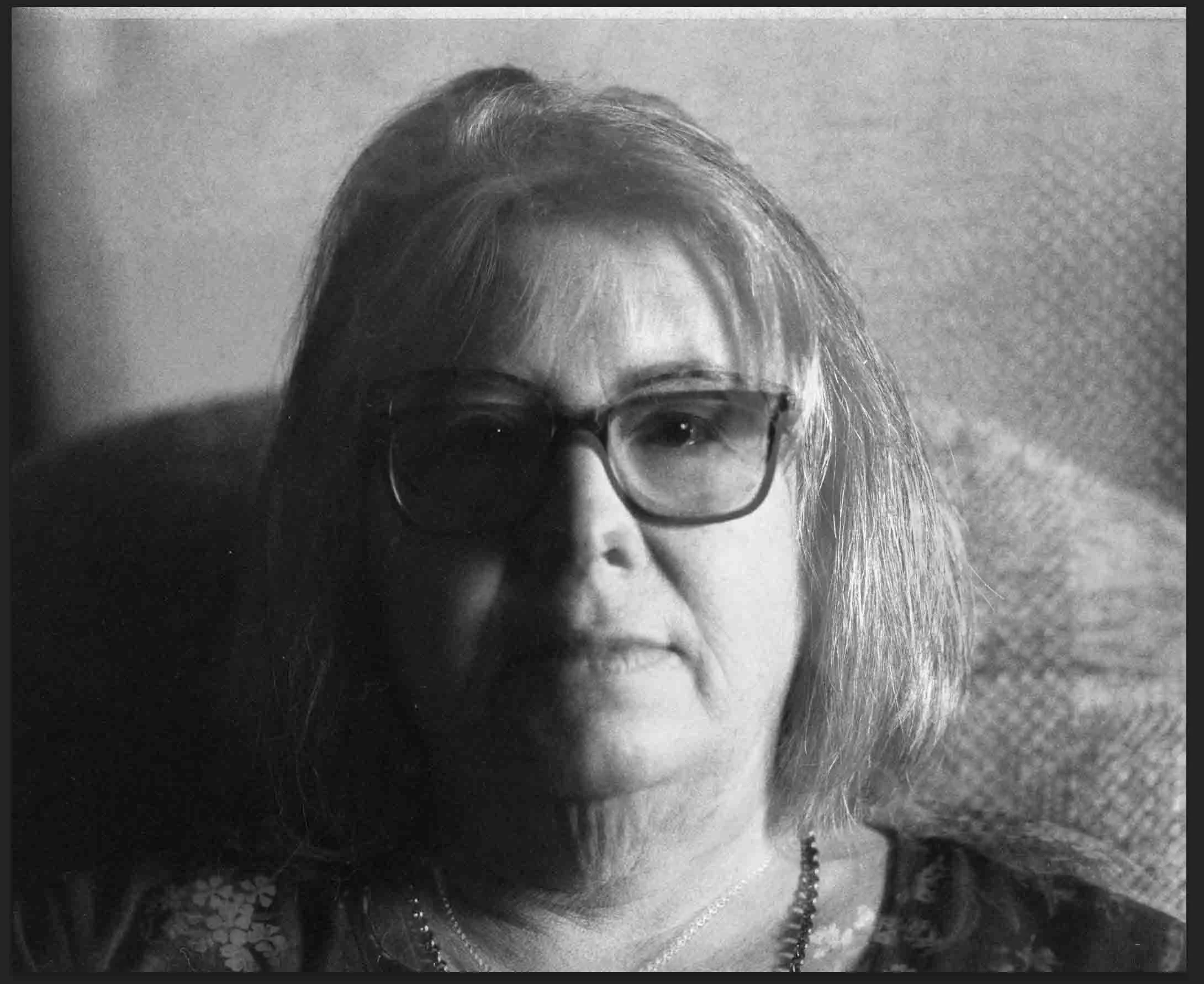
Inspired by a comment by one of my tutors about our shared nose, he suggested that it would be interesting if I stacked them on top of each other. I decided to explore image stacking to reimagine my original portraits. Using Photoshop, I layered images of all three of us, meticulously resizing and arranging them to create harmonious combinations. This project not only showcases our shared features but also adds a whimsical touch to our family portraits.
The process in Photoshop involves opening the original image, then opening the next image in another tab, dragging it onto the first image, and resizing it to match. I then adjust the opacity to control how solid the second image appears. You can repeat this process to add a third image. The photograph at the bottom is the dominant image.